Introduction
Learning how to book a doctor appointment online in Nepal can be beneficial. From saving time to making it easier for patients to receive healthcare appointments, online booking can make the process much easier for all involved.
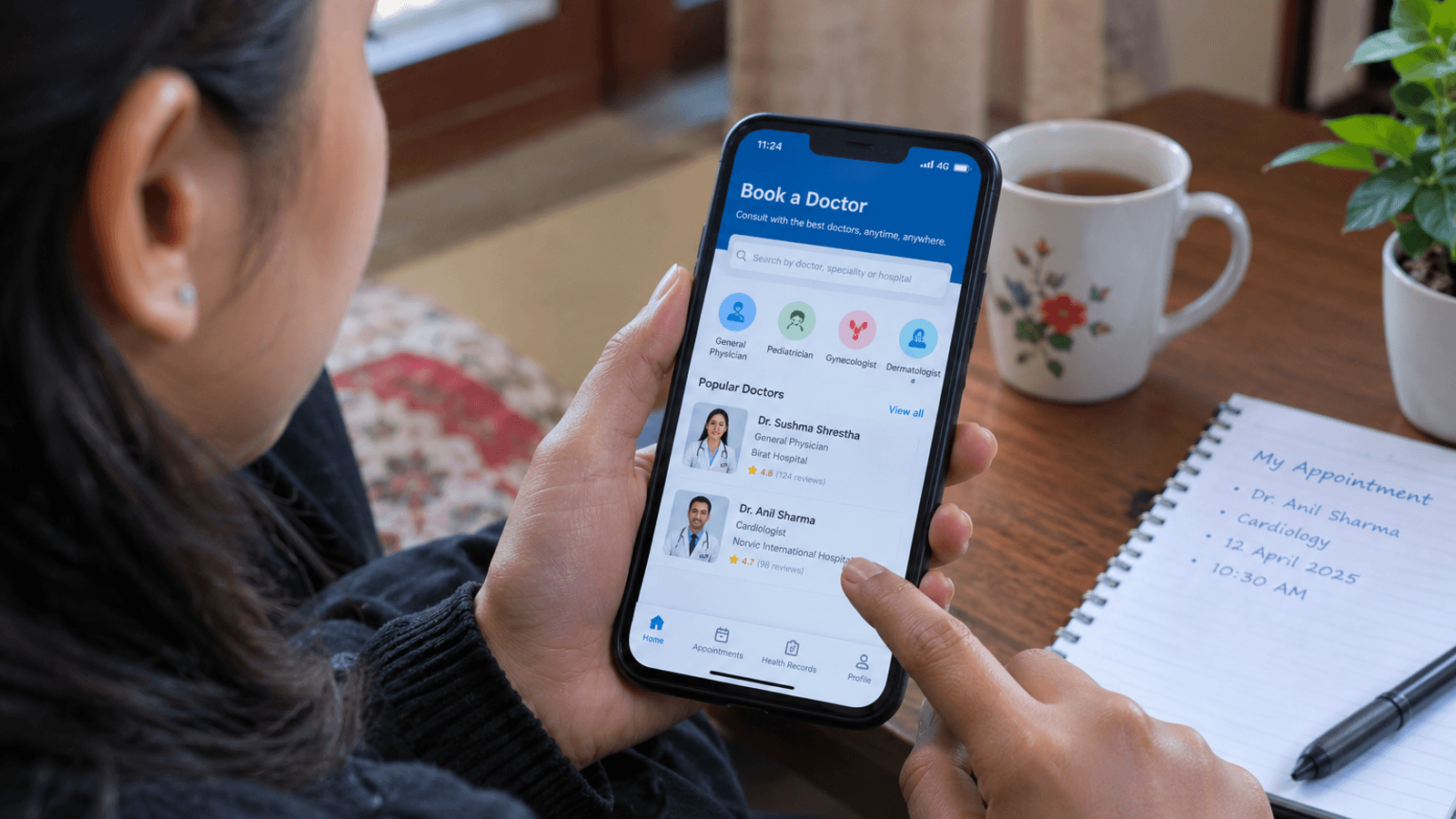
Instead of going to a hospital or clinic just to ask for an appointment, patients can now often simply navigate through a hospital's or healthcare service's website, use a mobile application, or access an online healthcare service to find a doctor and the most convenient time to visit.
Online booking is useful for those who do not live near a hospital or clinic, for busy schedules, or for those who need a follow-up appointment.
Digital healthcare is an evolving part of healthcare services. Nepal Medical Council's telemedicine guidelines recognize the use of communicating through phones, video conferencing, messaging, email, and other internet-based services for appropriate services.
While booking an appointment online is beneficial, online booking is not the same as getting emergency treatment for serious or life-threatening conditions.
This Blog explains how you can follow basic steps to book a doctor online in Nepal, what information you may need, how to find the right doctor, and what to do before your appointment.
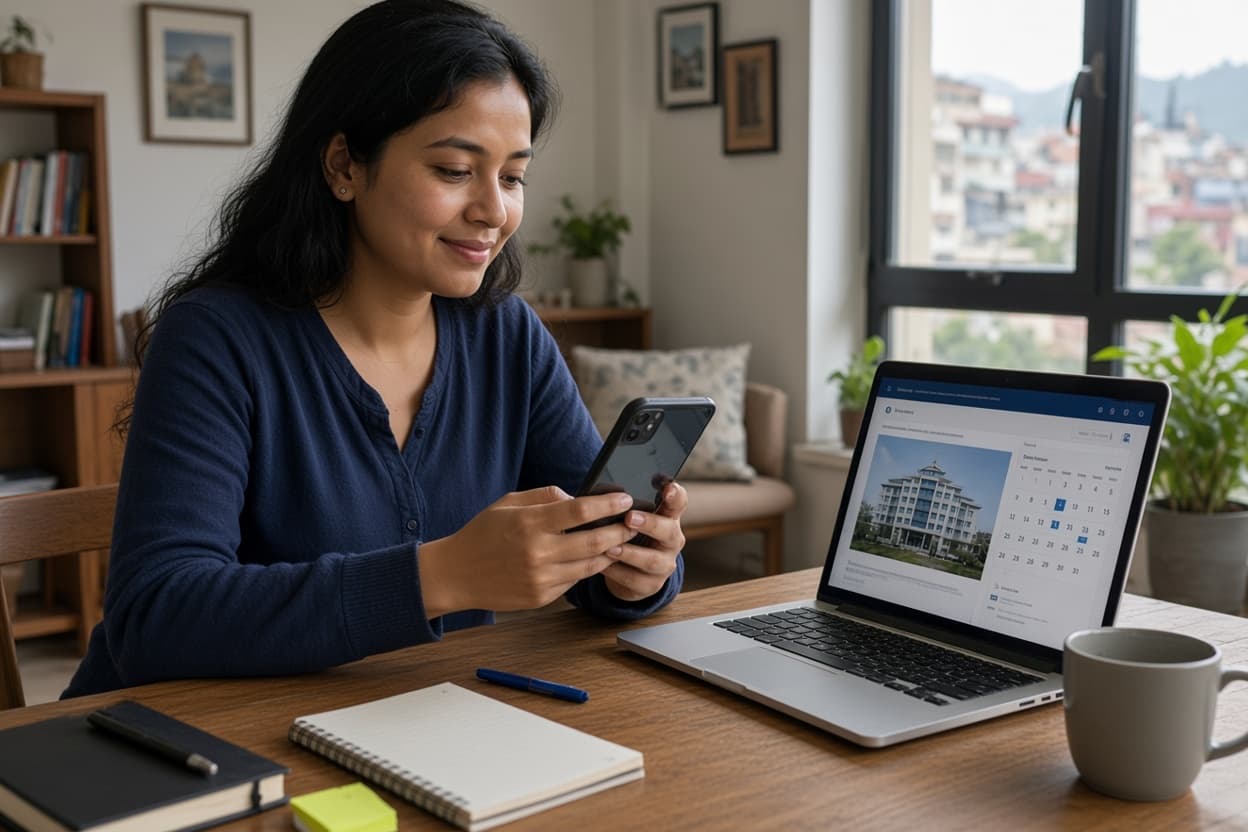
What Is an Online Doctor Appointment?
An online doctor appointment is a scheduled meeting between a patient and health professional that is booked through an online or other digitized system.
Depending on the hospital or healthcare provider, the appointment can be:
- An in-person hospital appointment booked online
- A video consultation
- A phone consultation
- An online follow-up appointment or another form of telemedicine services.
For an in-person appointment, the digitized system is mostly used for the patient to choose a doctor and an appointment date and time before going to the hospital.
For an online doctor appointment, you will be able to talk to the doctor through phone, video calling, or other digitized communications.
According to the Nepal Medical Council's telemedicine guidelines, telemedicine can make use of computer, telephone, and mobile phone devices and services that may involve use of audio, video, text, images, and other medical reports.
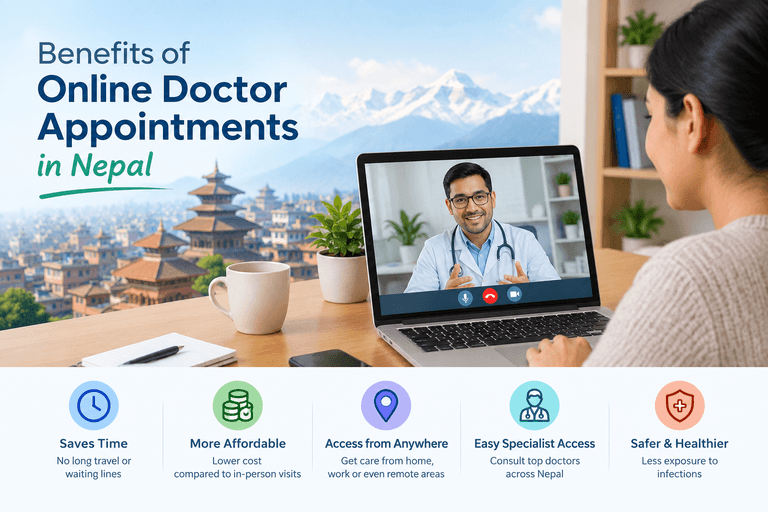
Why Book a Doctor Appointment Online?
There a number of reasons that online booking can be beneficial.
1. It Saves Time
Traditional appointment booking may require a patient or family member to go to a hospital or make repeated phone calls.
Through online booking, these processes can often be accomplished from home for a more convenient experience.
2. It Reduces Waiting
Having a scheduled appointment can help patients to have an idea of when they must visit the hospital or clinic.
This does not necessarily mean that there will not be any waiting, but rather a more organized process.
3. Easy Finding Doctors
Some online systems make it easy for patients to search for doctors by medical specialty.
You may be looking for a:
- General physician
- Dermatologist
- Pediatrician
- Cardiologist
- Orthopedic doctor
- Gynecologist
- ENT specialist
- Dentist
- Or other specialties available. The specialties will vary depending on the hospital or healthcare service in use.
4. Good for Those Outside of Cities
Those who live outside of cities may find it difficult to contact or reach out to specialist doctors.
An online doctor consultation may benefit them by allowing them to communicate through digitized systems without having to travel.
However, some serious medical problems may require in-person hospital visits, tests, and procedures.
How to Book a Doctor Appointment Online In Nepal: Step-by-Step Guide
The online process can vary depending on the hospital or healthcare service.
However, most online appointment systems require similar steps to make an appointment.
Step 1: Choose a Hospital or Healthcare Provider
The first step is to choose a hospital, clinic, or healthcare provider that you would like to use.
You may choose based on a number of factors including location, medical specialty, availability of doctors, type of consultation, appointment timing, services, and cost.
If you already have a doctor or hospital in mind, be sure to confirm whether they offer online appointment booking.
It is important to use an official hospital or healthcare service's website or application when possible.
Step 2: Find the Appointment Section
Visit the hospital or healthcare service's official website or application.
Look for options such as Book Appointment, Appointment, Online Appointment, or Consult a Doctor.
The option's name can vary depending on the service being used.
If you are unsure whether you are on an official website, be sure to cross-verify the hospital's contact information before entering in personal information.
Step 3: Choose the Medical Department
After finding the appointment section, you may be asked to choose a medical department or specialty.
For example, if you have a skin concern, you would need to choose the dermatology department.
If you are unsure what department you need, be sure to find out if the hospital offers general physician appointments or contact the healthcare service for recommendations.
Step 4: Choose a Doctor
Some appointment systems require you to choose a doctor.
You may be presented with information such as the doctor's name, medical specialty, available days, available appointment time, and consultation type.
Take your time to review the information before choosing a doctor.
If you are unsure which doctor to choose, a general physician or the hospital's support team may be able to guide you to the right department.
Step 5: Choose the Date and Time of Appointment
The next step is to choose a convenient date and available time.
Be sure to confirm whether the appointment is in-person, scheduled through phone, scheduled through video, or another type of consultation.
If it is an online consultation, be sure that you will have a quiet and appropriate place, device, and internet connection at the scheduled date and time.
Step 6: Enter Your Personal Information
The online appointment system may ask for personal information such as full name, age, phone number, email address, address, and other information.
Fill out the information carefully.
According to the Nepal Medical Council's telemedicine guidelines, healthcare professionals must confirm the identity of a patient including appropriate personal information before providing telemedicine services.
Avoid entering sensitive information into websites or applications that you are not familiar with.
Step 7: Provide Basic Information About Your Concern
Some systems require that you briefly explain why you would like to see a doctor.
You can explain your concern with a brief paragraph.
For example: "I would like a consultation regarding a health problem that has been occurring for several days."
You do not always have to write an essay-like explanation. Provide accurate information and follow the instructions provided by the healthcare service.
If you have any relevant medical reports, prescriptions, and previous test results, you may be asked to provide them during an online consultation.
Step 8: Confirm Appointment Information
Before confirming your appointment, be sure to double-check the information that you have provided.
Confirm the following information:
- Doctor's name
- Department
- Date
- Appointment time
- Consultation type
- Your phone number
- Other required information
Then, submit the appointment request. Some systems will show an appointment confirmation while others may send you a confirmation message through SMS, email, or other communication method.
Step 9: Pay for the Appointment (If Required)
Some healthcare providers may require that you pay an appointment fee.
The methods of payment will vary depending on the healthcare provider.
Before making the payment, be sure to confirm:
- The consultation fee
- Additional charges
- The recipient of the payment
- Whether the appointment has been confirmed
- Always use the payment method provided through the healthcare service.
- Keep your payment confirmation or receipt until you have completed the consultation.
Step 10: Save Your Appointment Details
After making the appointment, be sure to save your appointment details.
You can take a screenshot or keep a copy of the appointment confirmation.
You can write:
Doctor + Date + Time + Appointment Number + Appointment Method
This simple step can avoid confusion.
What Do You Need to Book an Online Doctor Appointment?
The requirements can vary depending on the healthcare provider.
In general, you will need:
- A smartphone, computer, or other device that connects to the internet to use the service
- Your name and contact information
- A brief description about your health concern
- Previous medical reports (if required)
- A payment method (if required)
- For video consultation, make sure that your device has a camera and microphone if needed.
How to Prepare for an Online Doctor Consultation
Booking an appointment is only the beginning. Preparing for the consultation can be useful for a more productive experience.
Keep Your Medical Information Ready
Before speaking to the doctor, it is ideal to keep your medical information ready.
This can include:
- Previous prescriptions
- Lab reports
- Medical history
- Current medicines
- Relevant images or documents
Avoid sending unnecessary personal information. Provide relevant information to your consultation and follow the healthcare service's instructions.
Write Down Your Questions
It can be easy to forget to ask questions during the consultation. Write them down before the appointment.
For example:
What could be causing my symptoms?
What should I do next?
Do I need any tests?
When should I return for a follow-up?
Your doctor can decide the next step of your medical evaluation or treatment.
Check Your Internet Connection
If your consultation is online, make sure that you have a stable internet connection.
Also make sure that your phone or computer has enough battery.
For video consultations, make sure that you have a private and quiet area where you can communicate comfortably.
Is Online Doctor Consultation Safe?
Online healthcare services can be useful but it is important to take basic safety precautions.
One important safety measure is to ensure that you are dealing with a legitimate healthcare provider and a qualified medical professional.
The Nepal Medical Council is responsible for registering qualified doctors and ensuring professional medical standards in Nepal. The organization's website also has a feature to confirm registered doctors.
For telemedicine, the Nepal Medical Council guidelines state that both the patient and medical practitioner must know each other's identity. The guidelines also state that the practitioner must provide their name, workplace, qualification, and Nepal Medical Council number before consultation and prescribing.
Patients should also be careful with personal information. Medical records and other information are private so it is important to use trusted healthcare platforms and avoid sharing sensitive information publicly.
Can You Get a Prescription Online?
A doctor may provide you with a medical advice or prescription through telemedicine when appropriate and according to applicable professional requirements.
However, an online consultation does not mean that every health problem can be diagnosed or treated online.
Some situations will require:
- Physical examination
- Blood tests
- Imaging
- Other diagnostic tests
- Hospitalization
- Emergency treatment
Healthcare professionals can decide whether a situation requires an in-person appointment.
Nepal Medical Council's telemedicine guidance includes the use of patient history, symptoms, images, laboratory reports, and radiological images when relevant.
When Should You Visit a Hospital Instead?
While online appointments can be convenient, they should not be the reason to put off emergency medical care.
If a serious or life-threatening condition occurs, seek appropriate emergency medical care instead of waiting for an appointment.
Online consultation is also not a substitute for physical healthcare visits.
For example, a doctor may need to do an in-person examination or testing to determine the best course of treatment.
Think of online healthcare services as another way to connect with health professionals but not as a substitute for all medical services.
Common Mistakes to Avoid When Booking Online
- Choosing the Wrong Department
- If you are unsure of the right specialty, ask the healthcare provider rather than guessing.
- Entering Incorrect Contact Information
- A wrong phone number or email will make it difficult to receive updates regarding the appointment.
- Forgetting the Appointment Time
- Set a reminder on your phone after booking the appointment.
- Using Unverified Websites
- Avoid entering personal or payment information into a website unless you are confident that it is a legitimate healthcare service.
- Sharing Too Much Personal Information
- Avoid sharing unnecessary personal information.
- Expecting Every Problem to Be Solved Online
Benefits of Online Appointment Booking in Nepal
Online appointment systems can be beneficial to patients.
Convenience
Patients can make appointments without first having to come to the hospital.
Time-saving
Online appointment booking can be helpful for avoiding unnecessary or repeated calls to the hospital.
Helps Plan Around Schedule
Patients can plan their schedule around an appointment.
Access to Other Specialists
Telemedicine can help people connect with healthcare professionals outside of their area.
Digital Records
Some appointment systems can offer digital storage of information regarding the appointment.
Help for Remote Area Communities
Digitized healthcare services can be especially beneficial for those who live far from hospitals or clinics.
These benefits depend on the internet access, service quality, and appropriateness of the appointment for the patient's health concern.
The Future of Online Healthcare in Nepal
Digitized healthcare services are likely to continue growing as internet access, smartphones, digital payment systems, and other services become more common.
Government health services are also turning towards digitized systems. According to Nepal's Ministry of Health and Food Safety, services related to digital healthcare such as a health institution registration system and digital mapping are now available.
The future of the online healthcare services in Nepal may involve more digitized appointment systems, electronic health records, telemedicine services, and other systems that connect patients with health professionals.
However, it is important to remember that technology serves to support safe and accessible healthcare services.
Patients still require qualified health professionals, appropriate medical facilities, medicines, diagnostic services, and emergency treatment.
Frequently Asked Questions
How can I book a doctor appointment online in Nepal?
You can visit a hospital or healthcare service's official website or application, choose the appropriate department and doctor, choose a date and time, provide personal information, and confirm the appointment.
Can I talk to a doctor online in Nepal?
Yes, some healthcare providers offer telemedicine services that can include phone, video, messaging, and email consultations. Telemedicine services can vary depending on the healthcare provider. The Nepal Medical Council's guidelines recognize a number of forms of telemedicine communications.
Do I need a smartphone to book a doctor online?
Not always. Some services can be accessed through a computer or other internet-connected device. Phone services may also be available depending on the healthcare provider.
Can I book an appointment for someone else?
This depends on the healthcare provider's system. If you are booking for someone else, be sure to enter in their information accurately and follow the provider's instructions.
Can online consultation replace a hospital visit?
No. While online consultation can be beneficial, some health concerns require in-person examination or treatment.
How do I know if an online doctor is qualified?
Use trusted healthcare providers and telemedicine consultants verified through appropriate professional sources. The Nepal Medical Council provides information about registered doctors and regulates the professional practice of doctors in Nepal.
Conclusion
Knowing how to book a doctor appointment online in Nepal can make healthcare services much more convenient and easy to manage. The basic steps are similar: choose a trusted healthcare provider, choose the right department and doctor, choose the appointment date and time, provide required information, confirm the appointment, and prepare for the consultation.
Online appointments can save time and can make healthcare services more accessible, especially for those who have trouble with transportation.
Telemedicine services can also connect patients with health professionals through a number of digitized communication methods.
However, online healthcare services have their limitations. Not all health concerns can be helped online and emergency or life-threatening conditions may require immediate medical attention.